Internal Linking Structure in WordPress: The Ultimate Guide to Internal Link Building
Internal Linking Structure for WordPress SEO - Complete Guide
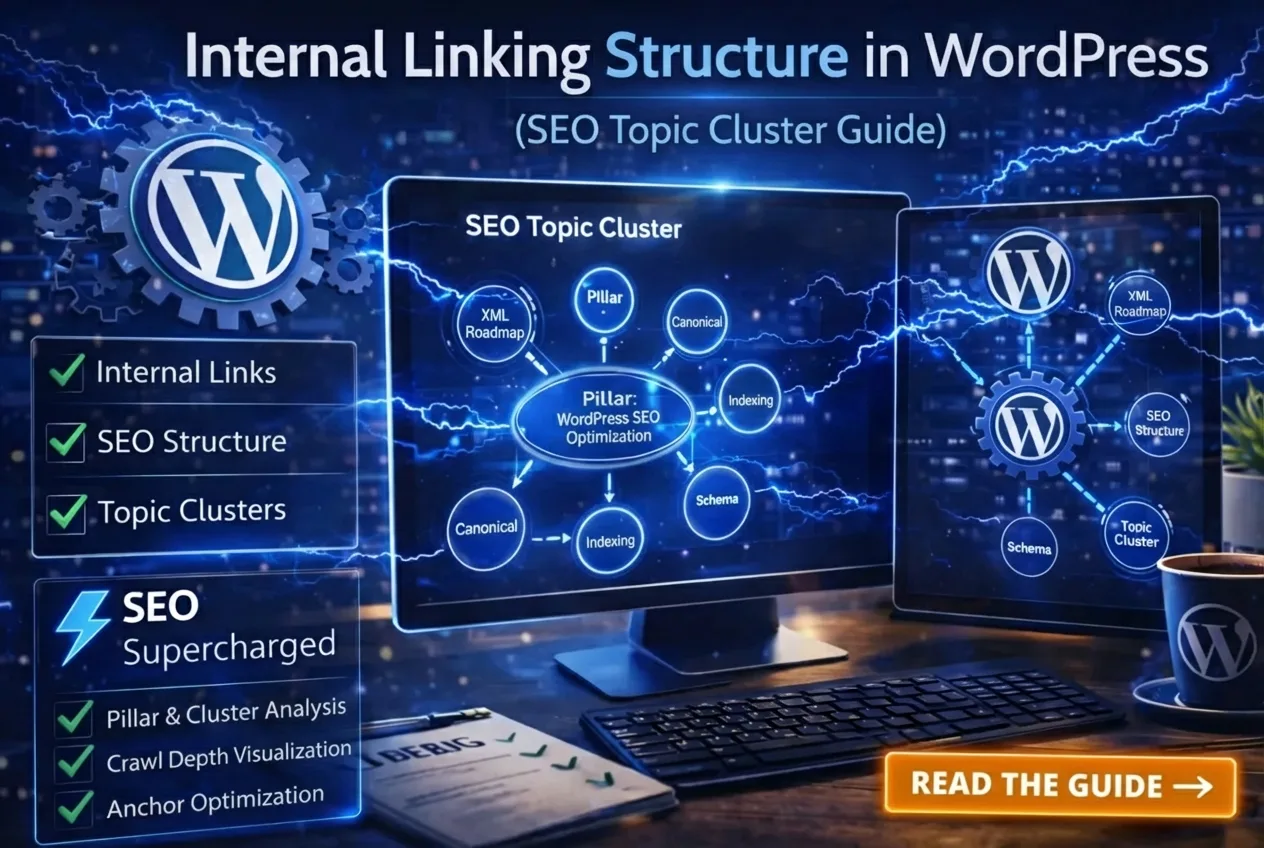
Internal linking structure in WordPress is no minor detail; it's the backbone of your entire SEO strategy. Many WordPress websites publish dozens of fantastic articles… but without a smart internal link building strategy for WordPress, these pages remain isolated islands.
Google won't see a clear structure. No clear structure means no topical authority. The result? Less traffic and lower rankings.
In this practical guide, you'll discover step-by-step how to build a strong internal linking structure in WordPress. You'll learn what internal links truly do, how Google interprets them, and how strategic internal linking can make your site explode in Google search.
In this comprehensive guide to WordPress internal linking structure, you'll learn:
- What internal links (and internal inbound links) truly do for your SEO
- How Google interprets internal links
- How to build a perfect SEO structure in WordPress with pillar + cluster content
- How to implement a topic cluster model
- The best places to position internal links
- Common internal linking mistakes that destroy your rankings
- A ready-to-use internal linking checklist for WordPress
What Do Internal Links Do for SEO?
Every internal link is a signal to Google. With smart internal link building in WordPress, you tell Google exactly which pages are important.
Google uses internal links to:
- Discover pages faster
- Understand relationships between content
- Distribute authority (link equity)
- Prioritize important pages
Quote
“Internal linking is how you tell Google what's important on your WordPress site.”
Without internal linking, three negative things happen:
- Pages are indexed slower
- Authority gets stuck on one page
- Your topical relevance remains low
How Google Interprets Internal Links
Google doesn't just look at whether a link exists, but more importantly, how it's placed. These are the key factors:
- Link Placement – higher up or within the main body text = stronger signal
- Anchor Text – relevant and natural words
- Paragraph Context – does the link logically fit into the sentence?
- Number of internal links per page
- Link Depth (Crawl Depth) – how deep is the page from the homepage?
A link in the footer carries far less weight than an internal link embedded within a relevant paragraph. That's the difference between an average and a top-ranking WordPress site.
WordPress SEO Structure: The Pillar + Cluster Model (Topic Clusters)
This is the most modern and powerful way to build an internal linking structure in WordPress.
What is a Pillar Page?
A broad, comprehensive guide on a core topic. Example:
👉 WordPress SEO Optimization – Complete Guide
What are Cluster Articles?
Specific, in-depth articles on sub-topics. Such as:
- WordPress XML Sitemap
- WordPress Canonical Tags
- Indexing Issues in Google
- Schema Markup in WordPress
Each cluster article links back to the pillar and to other related clusters where logical. This creates a closed SEO ecosystem rich with internal links.
This model is officially known as the: Topic Cluster Structure in WordPress.
Why Topic Clusters Work So Well
When Google sees that you have multiple in-depth articles on the same core topic, interconnected with strong internal links, you build true topical authority. And that's exactly what dominates modern SEO in 2026.
Practical Example: Internal Linking Strategy in WordPress
Let's say you're writing an article about “How to Set Up a WordPress XML Sitemap”.
Within the text, you'd place natural internal links like:
“In this guide on setting up an XML Sitemap, you'll discover how…”
Also:
- Link to Canonical Tags for technical explanations
- Link to Indexing Issues for troubleshooting
- Link to the Pillar page for broader context
This creates a perfectly internally linked structure.
WordPress Internal Links: Where to Place Them for Best Results?
1. Contextual Links (by far the strongest)
Within the main body text, in a relevant paragraph. Example:
“An incorrect canonical tag can block your page from being indexed. Learn how to properly configure canonical tags in WordPress here.”
2. Breadcrumbs
Help Google perfectly understand your site's hierarchy.
3. Sidebar Links
Still useful, but less powerful.
4. Footer Links
Good for crawlability, less for SEO value.
How Many Internal Links Are Ideal?
There's no magic number, but these guidelines work exceptionally well:
- 3–8 contextual internal links per 1,000 words
- Never more than 50 links on an 800-word page
- Always logical and relevant for the reader
Over-optimization can actually be detrimental.
Anchor Text Strategy for WordPress Internal Link Building
Never use the exact same keyword repeatedly. This can trigger spam signals.
- set up wordpress sitemap
- wordpress sitemap setup
- configure wordpress sitemap
- add XML sitemap
- submit sitemap to Google
- configure WordPress sitemap
Variety is safer and more natural.
Crawl Depth: How Deep Should a Page Be?
Important pages should be a maximum of 3 clicks away from your homepage. Example structure:
Homepage → Blog → WordPress SEO → XML Sitemap
If a page is 5 clicks deep, it loses priority with Google.
Internal Linking Mistakes That Cost You Rankings
⚠️ Warning
❌ Only using navigation links
❌ Never linking to older articles
❌ Links to noindex pages
❌ Links to redirect URLs
❌ Broken internal links
❌ More than 100 links per page
❌ Overusing exact-match anchor texts
Internal Links + Canonical Tags, Sitemaps, and Indexing
Always link to the canonical URL (no tracking parameters or redirects).
Also read:
Strategic Internal Linking Matrix
| From | To |
|---|---|
| Pillar Page | All Cluster Articles |
| XML Sitemap | Canonical Tags + Indexing |
| Canonical Tags | Indexing |
| Schema Markup | Pillar + Indexing |
This way, each page strengthens the others through internal links.
Internal Linking Debug Checklist (Print & Use!)
- Does every cluster link to the pillar?
- Does the pillar link to all clusters?
- Are anchor texts varied?
- No links to noindex pages?
- No broken links?
- Maximum 3 clicks from the homepage?
- Contextually placed?
- Logical for the visitor?
Advanced Internal Linking Tips
- Update old articles with new internal links
- Create content silos by category
- Use Related Posts wisely (not randomly)
- Monitor link equity with crawl tools
Automatic Internal Link Building? Do It Smart
Some plugins automatically link keywords. While this sounds convenient, it often results in unnatural internal links and poor anchor text distribution. Manual internal link building in WordPress always remains more powerful.
Supercharge Your WordPress Internal Linking Structure
With SEO Supercharged, you make it even easier:
- Automatically analyze topic clusters
- Visualize crawl depth
- Identify internal linking gaps
- Apply anchor text optimization
- Plan complete SEO architecture
Plugins create links. SEO Supercharged builds structure.
Frequently Asked Questions about Internal Linking Structure in WordPress
What is internal linking structure in WordPress?
Internal linking structure in WordPress is the way you connect your pages and posts with internal links. It creates a clear hierarchy, helps Google understand your site structure, improves crawl efficiency, and distributes authority (PageRank) across your content. Without a solid structure, your articles remain isolated islands in Google’s eyes.
What is internal link building in WordPress and why is it important?
Internal link building in WordPress means strategically placing internal links (also called inbound links or internally linked content) between your own articles. It helps Google understand relationships between pages, build topical authority, and prioritize your most important content. It’s one of the most powerful on-page SEO techniques you can control yourself.
How do you build a topic cluster model in WordPress?
Create one broad pillar page (e.g. “WordPress SEO Optimization Guide”) and 4–8 specific cluster articles. Each cluster article links back to the pillar, the pillar links to all clusters, and related clusters link to each other when logical. This creates a powerful internal link building structure in WordPress that Google loves.
How many internal links per page are ideal?
Aim for 3–8 contextual internal links per 1,000 words. More than 50 links on a short article is too much and can look spammy. Quality and relevance always beat quantity.
What is the best anchor text to use for internal links?
Use natural variation. Avoid repeating the exact same keyword every time. Good examples: “XML sitemap setup”, “submit sitemap to Google”, or “configure WordPress sitemap”. Natural, context-aware anchor text performs best.
What are the biggest internal linking mistakes in WordPress?
The most common mistakes are: only using navigation links, not linking to older content, linking to noindex or redirect pages, having broken links, too deep crawl depth (more than 3 clicks), and overusing exact-match anchor texts. These errors can seriously hurt your rankings.
Can I use plugins for automatic internal link building?
Yes, but use them carefully. Many plugins create unnatural links and poor anchor text distribution. Manual internal link building in WordPress is almost always stronger. Use plugins only as support (for suggestions), not as your main strategy.
How do I check if my internal linking structure is good?
Use the checklist in this article or tools like Screaming Frog, Sitebulb, or SEO Supercharged. Pay special attention to crawl depth, broken links, noindex pages, and whether every cluster links to the pillar (and vice versa).
Does internal linking really help with better Google rankings?
Absolutely. A strong internal linking structure in WordPress leads to faster indexing, better topical authority, and smarter distribution of link equity (internal PageRank). It’s one of the few SEO factors you have full control over.
Conclusion: Build Your WordPress Internal Linking Structure Today
Internal linking structure in WordPress is about structure, authority, crawl priority, and context, all in one. Without internal links, your content remains isolated. With smart internal link building in WordPress, you build a powerful ecosystem that Google adores.
Start today: choose one pillar page, create 4-5 cluster articles, and begin internal linking. Your rankings will thank you.
Do you have questions about your own WordPress internal linking strategy? Leave a comment or book an SEO audit. Good luck!