Content
SEO-friendly texts that rank in Google and AI search engines.
- Blog, service and product pages
- Automatically validated for SEO and AI
- Publish with one click


SEO Websites helps businesses get found in Google and AI search engines. From technical SEO and content to AI visibility: everything you need to grow online, in one place.
Free and no account needed. You see where you stand today right away.
SEO does not have to be scary. We explain everything in plain language and guide you step by step.
SEO Websites combines the power of SEO, content and AI visibility in one platform. No separate tools. No complicated dashboards. Just clear insight and concrete actions.
SEO-friendly texts that rank in Google and AI search engines.
Find and fix technical problems before they cost you traffic.
Make your website easier to find in Google AI Overviews, ChatGPT and other AI search engines.
Get found by customers in your region.
Discover where competitors leave opportunities on the table.
Clear insights and concrete next steps.
We have the best deal for you: we set everything up, you see the result in Google and AI.
See at a glance how your website performs, where the opportunities are and which actions have the most impact. Completely clear, organised and tailored to your goals.
ChatGPT, Perplexity and Gemini give an answer, with sources. Whoever gets recommended wins. Whoever does not, disappears, even when you rank first in Google.
Clear answers, structured data and FAQs make your pages quotable for AI search engines.
Consistent business details, reviews and mentions: signals AI weighs when it makes a recommendation.
Your dashboard shows in which AI search engines your business is mentioned and where opportunities remain.
An example of how AI recommends businesses.
weekly ChatGPT users
of searches show an AI overview
sources cited per AI answer
Public reporting 2024 and 2025. Figures are indicative and move fast.
Indicative: classic search flattens out, searching through AI grows.
SEO does not have to be complicated. This is how it goes.
We scan your website and uncover every opportunity.
We improve your content, technology and AI visibility.
Your website is optimised directly, straight into your CMS.
You see the result and know what the next step is.
Nothing to install, nothing to know. You choose what you want to do yourself, we do the rest.
Put them side by side and the difference is clear at once.
Everything runs on your own site. Ever want to leave? You simply go, and you take it all with you. No contract holding you, no data left behind.
For SEO professionals and critical readers we have a full dossier: how we work, how we validate and which choices we make. Not a brochure, the details.

We do not send it around freely. Leave your details and we deliver it to you personally.
No vague promises. A platform that validates every page and shows you exactly where you stand.
out of 100: the SEO score every page is validated towards
languages: Dutch, English, French and German
monthly contracts or hidden costs
click from validated page to publication in your CMS
We do not promise positions in Google or AI. We do promise that you always see where you stand and what the next step is.
Finally a report I can forward directly to developers. No interpretation: just pass or fail.
The AIO checks were an eye-opener. Now we know exactly why content is or is not ready for AI Overviews.
I used to pay an agency per product page. Now I generate them myself, online faster and better documented.
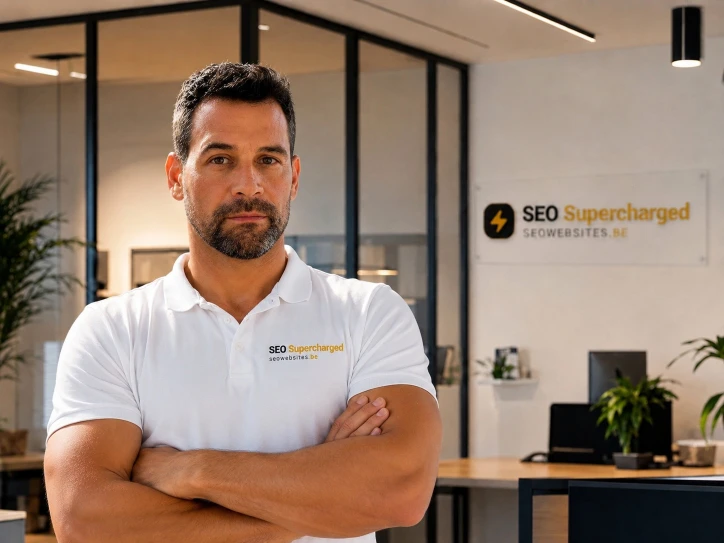
No nameless software house. Two owners with their hands in the trade, who know what works.
You talk to a real advisor, not a sales bot.

Three clear choices. You can always switch.
Got the knowledge? Do it yourself. Full control, you work the buttons and pay only your own usage.
We set everything up and launch your site in Google and AI. You keep control, we do the work.
For agencies, scalers and businesses with several brands or sites.
Not sure? Start with the free analysis. Nothing ties you down and you can always switch.
Want it all done for you, or the best SEO deal? See it now.
Rather not do it yourself? With Kickstart we set everything up for you: from the technical foundation to your first pages live, validated for Google and AI. One time, no subscription.
working days from consult to live
pages in your starting batch
expert hours included
Applies to the Kickstart package, not to the do-it-yourself tool.
Prefer to read every detail first? Read the full explanation
The questions we hear most from businesses landing here for the first time.
Creating an account costs nothing and you can have your website analysed straight away. After that you only pay for the content and analyses you actually use. There is no mandatory subscription.
No. We work on the site you already have. WordPress, WooCommerce and Drupal connect directly, and for other platforms you can export the texts and place them yourself.
Never without your approval. Everything generated lands in your library first. It only goes to your site when you click publish.
You do. The texts, images and structure you create here are yours and stay yours, also if you stop later.
Yes. The platform works in Dutch, English, French and German, and can translate existing pages into those languages while keeping the SEO structure intact.
Technical improvements and new pages show up in your dashboard immediately. Higher positions in Google and mentions in AI answers take longer: think weeks to months, depending on your market.
Yes, that is the Kickstart. Our experts set up your website, your content and your visibility in Google and AI search engines, and put it all live within 15 working days. It starts with a free call.
Start today with a free SEO analysis and discover where your biggest opportunities are.