WordPress SEO Optimization: The Complete Guide for Higher Google Rankings
WordPress SEO Optimization Guide | Meta, Schema, Indexing
⚡ Pro Tip
Want to rank higher on Google with your WordPress website? Then WordPress SEO optimization isn't an option — it's a necessity.
WordPress is technically SEO-friendly. However, without proper configuration of meta titles, meta descriptions, indexing, canonical tags, structured data, and internal linking, your website will never reach its full potential.
In this complete guide, you'll discover how to correctly approach your WordPress SEO optimization — from technical fundamentals to content structure.
📌 What is WordPress SEO Optimization?
WordPress SEO optimization means optimizing your WordPress website both technically and in terms of content so that search engines like Google can correctly crawl, understand, and rank your pages.
It involves:
Quote
“WordPress is SEO-friendly. But without optimization, it won't rank on its own.”
🖼 Hero Image
1️⃣ The Technical Foundation of WordPress SEO
Permalink Structure
Go to:
Settings → Permalinks
Use:
/%postname%/
Not:
?p=123
Setting Up an XML Sitemap
An XML sitemap helps Google crawl your website more efficiently.
Checking Indexing
Always check:
-
Is “Discourage search engines” disabled?
-
Are important pages accidentally set to noindex?
-
Is your robots.txt correctly configured?
👉 Troubleshoot Indexing Issues?
Canonical Tags & Duplicate Content
Duplicate content is one of the biggest SEO mistakes in WordPress.
👉 Read WordPress Canonical Tags:
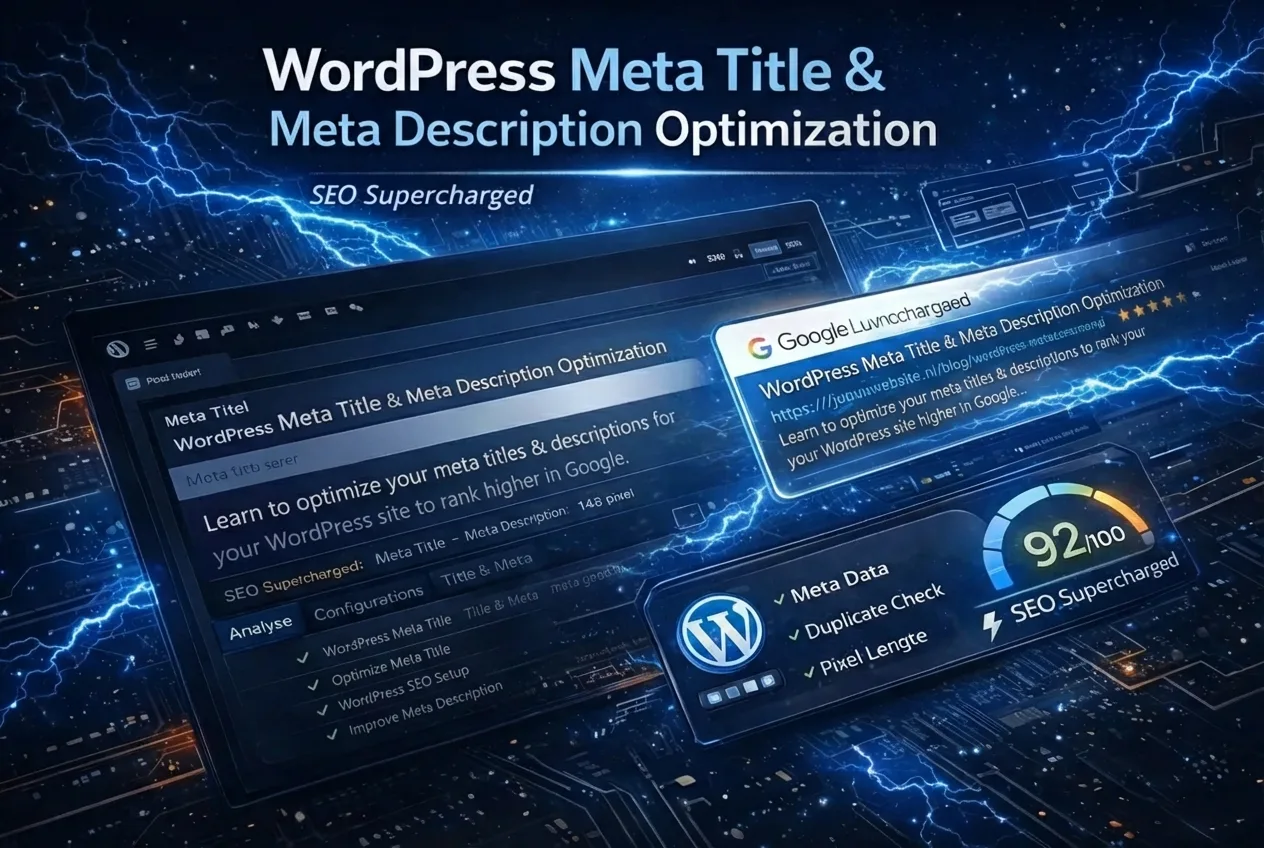
2️⃣ Optimizing Meta Titles & Meta Descriptions
The meta title is the most important on-page ranking factor.
Ideal Meta Title Structure:
Main Keyword – Context | Brand Name
Example:
WordPress SEO Optimization – Complete Guide | SEO Supercharged
Ideal Length
| Element | Character Count |
|---|---|
| Meta title | 50–60 |
| Meta description | 140–155 |
Meta Description: Increasing CTR
A good meta description:
-
Contains the keyword
-
Is action-oriented
-
Answers a question
-
Avoids keyword stuffing
👉 Detailed Explanation of WordPress Meta
With SEO Supercharged, you can automatically:
-
Generate SEO-optimized meta titles
-
Avoid truncation
-
Detect duplicate meta data
-
Simulate SERP preview
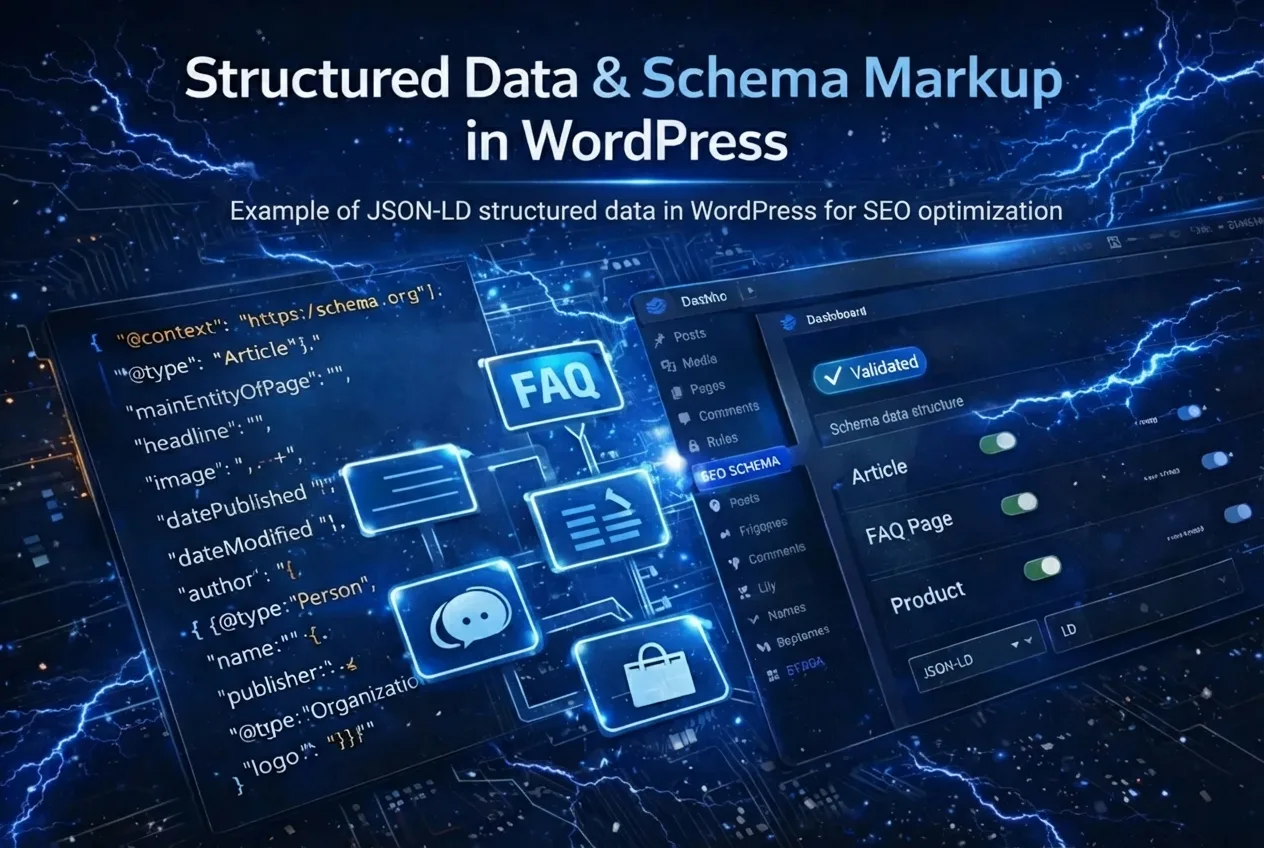
3️⃣ Structured Data & Schema Markup
Structured data helps Google better understand your content.
In WordPress, you can add:
-
Article schema
-
FAQ schema
-
Product schema
-
Breadcrumb schema
👉 Complete Guide to WordPress Schema Markup
🖼 Schema Example
4️⃣ Internal Linking & Content Structure
Internal linking strengthens:
-
Authority
-
Crawl efficiency
-
Topic relevance
-
Semantic clustering
Pillar + Cluster Strategy
This page serves as the pillar.
Underlying clusters:
-
Meta optimization
-
Sitemap
-
Canonical tags
-
Indexing
-
Schema
-
SEO errors
-
SEO plugins
5️⃣ Common WordPress SEO Mistakes
Many websites lose rankings due to:
-
❌ Duplicate categories
-
❌ Incorrect canonical tags
-
❌ Thin content
-
❌ No internal linking
-
❌ Excessive plugins
-
❌ Poor meta titles
Read about all the mistakes:
👉 Common WordPress SEO Mistakes
6️⃣ Best SEO Plugins for WordPress
Yoast vs. Rank Math?
Comparison here:
Plugins help with settings.
But strategy and content structure determine your rankings.
7️⃣ Automating WordPress SEO with AI
Modern SEO demands more than manual effort.
With SEO Supercharged, you can:
-
Generate SEO structure
-
Perform canonical checks
-
Automate meta optimization
-
Generate content according to SEO protocol
-
Structure internal linking
8️⃣ WordPress SEO Checklist (Summary)
| Component | Optimized? |
|---|---|
| Permalinks | ✔ |
| XML Sitemap | ✔ |
| Meta Titles | ✔ |
| Meta Descriptions | ✔ |
| Canonical Tags | ✔ |
| Indexing | ✔ |
| Schema | ✔ |
| Internal Linking | ✔ |
⚡ Get started
Want to tackle this directly? Check your WordPress SEO with the Page Audit, or start a free SEO analysis.
Conclusion: WordPress SEO is Strategy + Structure
WordPress SEO optimization isn't just about plugins.
It's about:
-
Correct technical configuration
-
Strategic content structure
-
Optimized metadata
-
Internal linking
-
Authority building
“Those who correctly structure WordPress win in the long term on Google.”
🔥 Want to automate this process?
Use SEO Supercharged to:
-
Generate SEO-optimized content
-
Build your sitemap structure
-
Detect canonical errors
-
Automatically optimize SERP meta
Related articles
- How to Optimize Your WordPress Meta Title and Meta Description
Learn how to write and set WordPress meta titles and descriptions for higher rankings and more clicks. Step-by-step guide and best practices included.
- Schema Markup in WordPress: Optimize for Rich Results and Better Google Visibility
Learn how to easily add Schema Markup in WordPress. Implement JSON-LD, optimize FAQ schemas, and boost organic visibility with search engine rich results.
- How to Set Up Canonical Tags in WordPress: Avoid Duplicate Content
Learn how to correctly set up canonical tags in WordPress. Prevent duplicate content, fix indexing issues, and boost your SEO with this guide!
- How to Set Up a WordPress XML Sitemap (Step-by-Step Guide)
Want to set up your WordPress XML sitemap correctly? Learn step-by-step how to configure, submit to Google Search Console, and boost your SEO indexing.
- Not Indexed? How to Fix WordPress Indexing Issues (Complete Guide)
Is your WordPress site not indexed in Google? Learn how to fix common indexing issues, resolve noindex errors, and use Google Search Console effectively to get your pages discovered.