Common WordPress SEO Mistakes That Kill Your Rankings (Practical Checklist)
WordPress SEO Mistakes That Cost Rankings: A Checklist
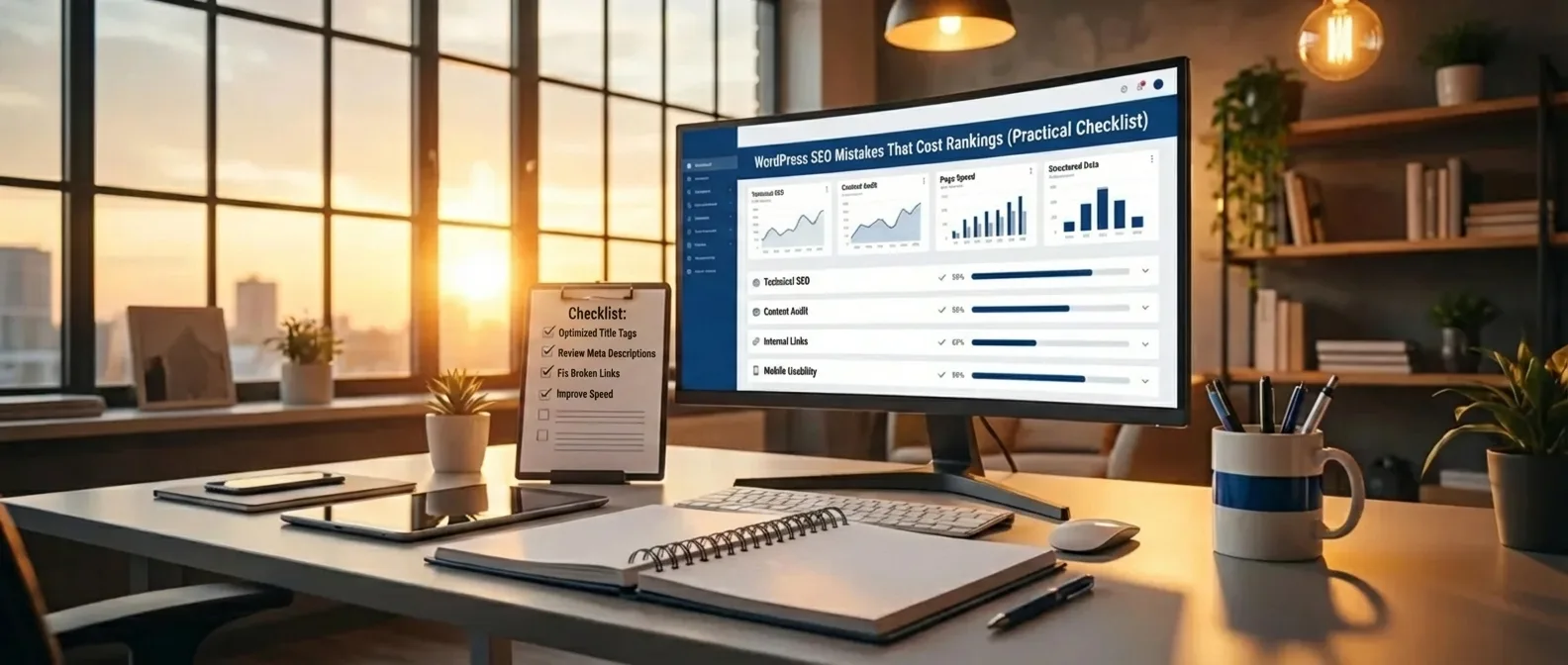
Avoiding common WordPress SEO mistakes that cost rankings (Practical Checklist) is crucial for organic growth. Many website owners unknowingly make errors, such as blocking search engines or overlooking permalinks, which directly leads to lower positions in Google. By systematically addressing these WordPress SEO errors that harm your rankings, you can restore your technical foundation and improve the indexing of your valuable content.
Ignoring technical SEO optimizations creates a barrier between your content and target audience. A successful strategy eliminates common WordPress SEO mistakes that hurt rankings for maximum visibility.
- Immediately check your visibility settings.
- Optimize page load speed and images.
- Prevent duplicate content using canonical tags.
- Improve your internal linking structure.
Address WordPress SEO mistakes that hurt your rankings immediately for a healthier website.
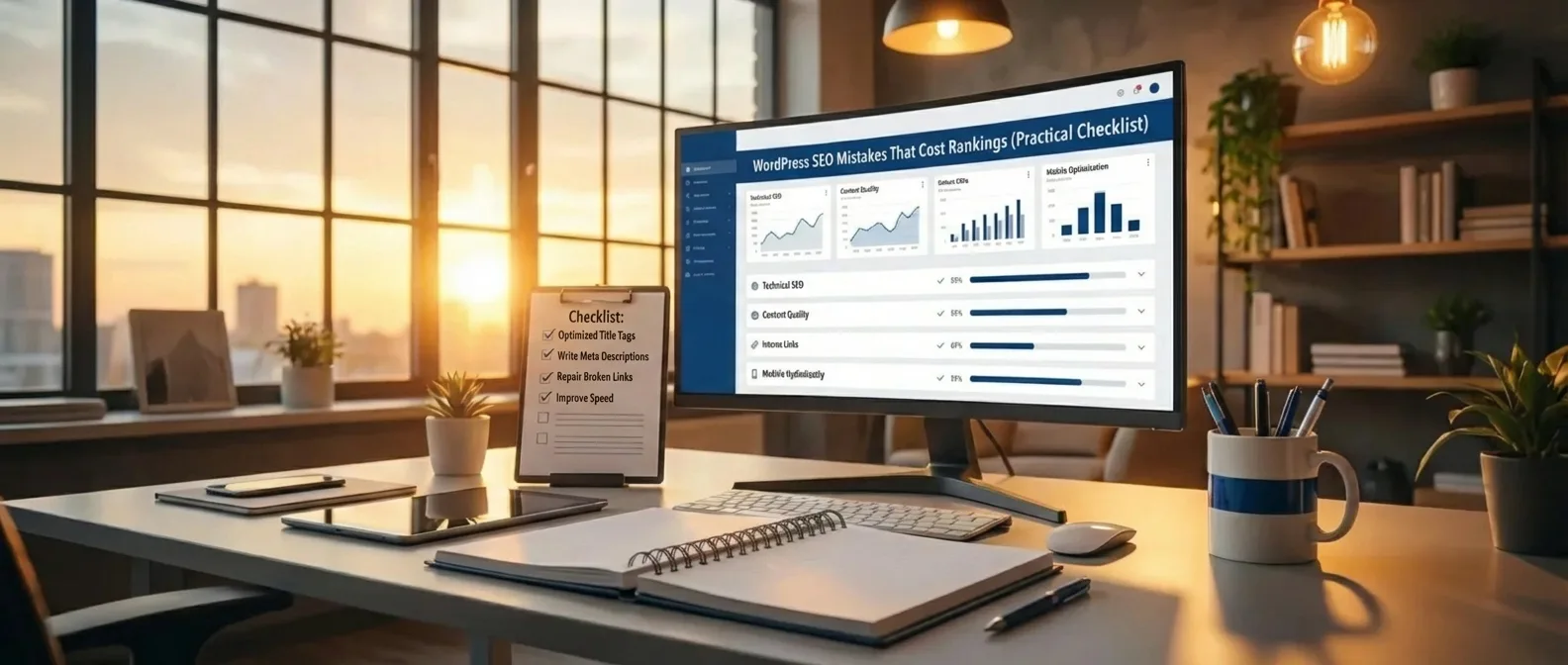
Common WordPress SEO Mistakes That Kill Your Rankings (Practical Checklist)
Managing a website with WordPress might seem straightforward at first glance, thanks to its user-friendly interface and countless available plugins. However, behind the scenes, minor configuration errors can lead to significant losses in organic visibility. Many website owners don't realize that default settings are often not optimized for search engines. Ignoring technical details can cause your content to remain invisible to Google, regardless of how valuable the information you share is. Therefore, identifying WordPress SEO mistakes that kill your rankings (practical checklist) is the first step towards a successful online strategy that consistently attracts more visitors to your platform.
If you don't correct these errors promptly, you're essentially giving your competition an advantage in Google and Bing search results.
One of the most basic but devastating blunders is accidentally leaving the "Discourage search engines from indexing this site" setting enabled in the dashboard. This often happens during a site's development phase, with the owner forgetting to uncheck the box upon launch. As a result, the entire website receives a 'noindex' tag, meaning search engines completely ignore the site. It's a classic example of WordPress SEO mistakes that cost rankings and technical oversights that are easily preventable with a quick check of your reading settings. Without proper indexing, all the effort you put into copywriting is simply wasted time.
The Impact of Incorrect Permalink Structures
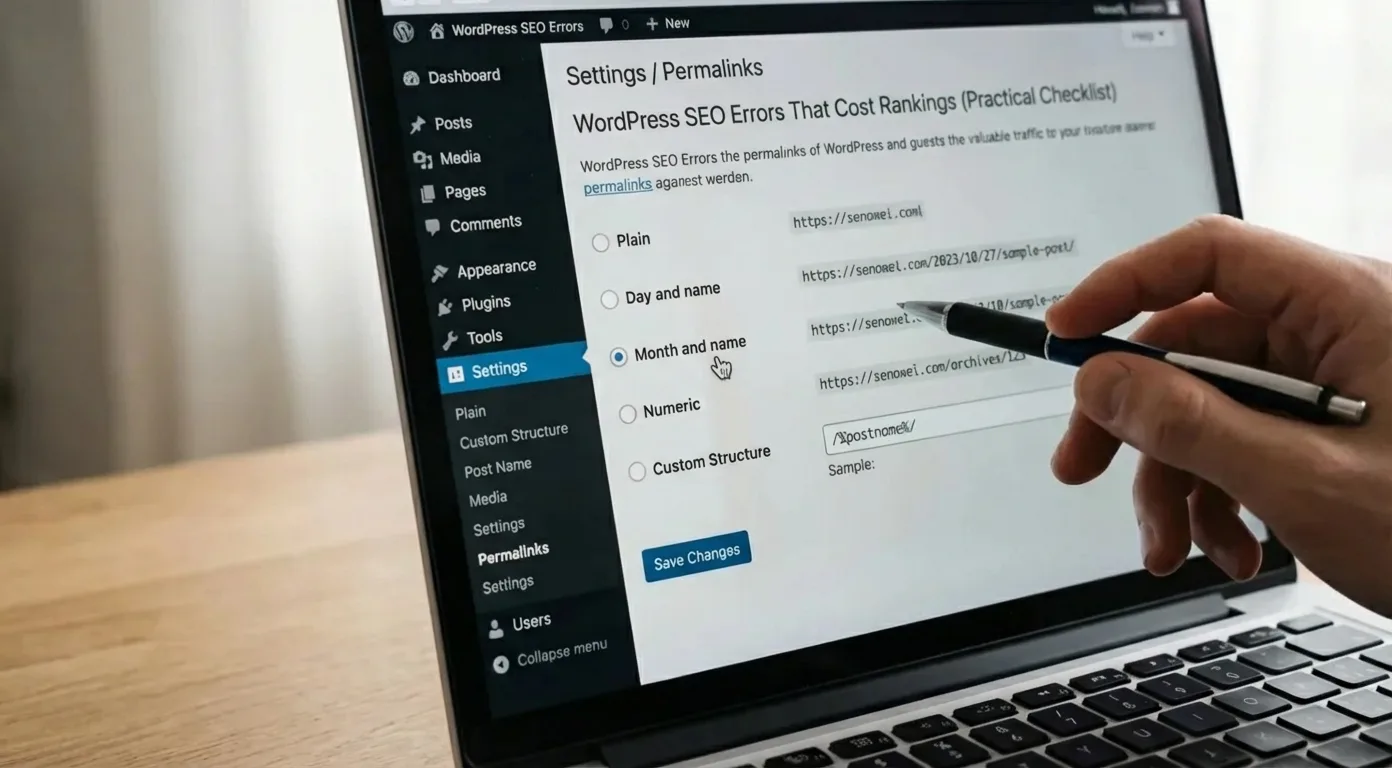
The structure of your URLs plays a crucial role in how both users and search engines assess the relevance of your pages. Standard WordPress settings sometimes still use unclear parameters like question marks and numbers, which contributes nothing to your discoverability. An optimized URL should be readable and preferably contain the focus keyword to immediately clarify the page's context. Using the 'Post Name' setting is the gold standard for most websites. However, modifying these structures on an existing site requires caution and proper redirects to avoid 404 errors, which again falls under the category of WordPress SEO mistakes for webmasters.
Consistently ignoring internal linking opportunities means search engines crawl your website less efficiently, and authority isn't distributed effectively.
"SEO isn't a one-time task, but a continuous process of refinement where the smallest technical details make the difference between the first page and oblivion."
Furthermore, we often see images uploaded without any optimization, which drastically reduces page load speed. Large, uncompressed media files lead to a poor user experience, which is now a direct ranking factor for Google. The lack of relevant alt text is also a missed opportunity to provide context to search engines and improve accessibility. By applying image optimization to avoid WordPress SEO mistakes that cost rankings, you kill two birds with one stone: a faster site and better visibility in Google Images. Don't forget that speed is essential for mobile users who have little patience for slow websites.
It's advisable to regularly perform an audit to check if your site still meets the latest search engine standards.
The Danger of Excessive Plugin Dependency
While plugins extend WordPress functionality, an excess of active extensions can lead to conflicts and security vulnerabilities. Each additional plugin adds code to your site, which can affect load time and increase the chance of technical errors. It's essential to keep only essential tools and regularly check if they are still supported by developers. A poorly coded plugin can be the source of WordPress SEO mistakes that hurt rankings due to slow loading times, directly impacting your search results position. Quality always trumps quantity when it comes to your website's technical infrastructure.
Below is an overview of critical points often overlooked when optimizing a WordPress installation:
- Check that the 'Discourage search engines from indexing this site' option is disabled in your settings.
- Ensure a logical hierarchy in your headings (H1, H2, H3) for better readability.
- Use a reliable caching solution to minimize server response time.
- Verify your website in Google Search Console to be immediately aware of crawl errors.
- Optimize your XML sitemap and manually submit it to major search engines.
Finally, it's essential to understand that WordPress SEO mistakes that cost rankings often stem from a lack of maintenance. A website is a living organism that requires constant attention regarding updates, security, and content relevance. By being proactive and incorporating the above points into your routine, you lay a solid foundation for long-term success. For more in-depth information on technical optimization, refer to the official documentation of WordPress SEO guidelines. Keep testing, measuring, and adapting to stay one step ahead of your competition in the dynamic world of search engine optimization.
Technical Settings That Unknowingly Block Your Discoverability
Many website owners immediately focus on writing content but forget that their website's foundation often contains invisible barriers. When your CMS's technical configuration isn't optimal, WordPress SEO mistakes that hurt rankings can emerge, preventing search engines from correctly indexing your pages. One of the most common errors is accidentally leaving the 'Discourage search engines from indexing this site' setting enabled. This checkbox in the dashboard causes Google to ignore your entire website, no matter how well your content is written. It's the first step in any serious audit to ensure that access for crawlers is wide open.
WordPress SEO mistakes that cost rankings can often be traced back to incorrect handling of the robots.txt file or faulty canonical tags that confuse search engines.
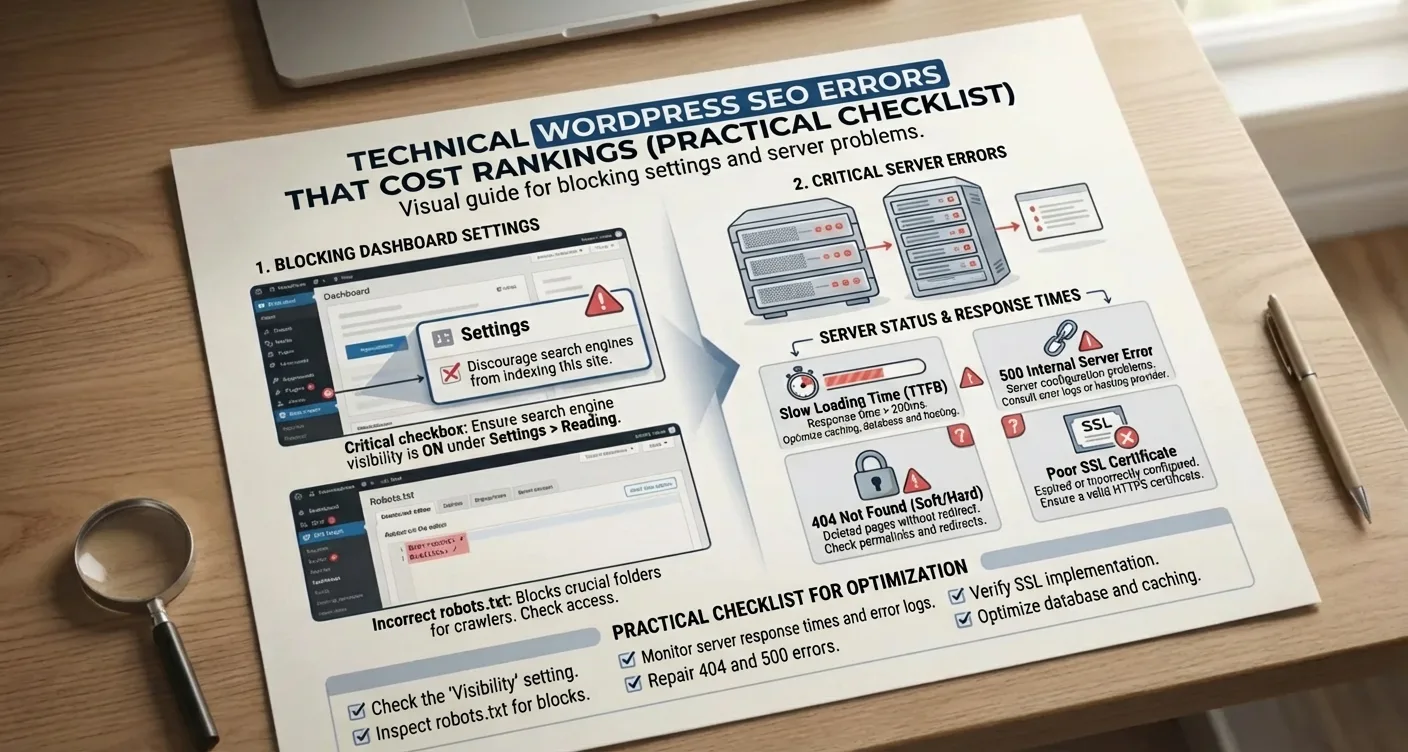
Furthermore, the permalink structure plays a crucial role in how authority is built. Using vague URL structures with numbers or dates instead of relevant keywords is one of the common WordPress SEO mistakes (practical checklist). By switching to a 'post name' structure, you make it immediately clear to both users and algorithms what a page is about. However, changing these structures afterward without proper redirects can lead to a significant drop in organic traffic, as old links result in 404 errors. Therefore, it's essential to adopt a logical, scalable hierarchy from the outset for future growth.
The Impact of Slow Load Times and Unnecessary Plugins
Speed is now a direct ranking factor within Google's algorithm, with Core Web Vitals setting the standard for a good user experience. Installing too many heavy plugins is one of the frequent WordPress SEO mistakes that hurt rankings (practical checklist), negatively impacting load time. Each plugin adds extra scripts and stylesheets that need to be loaded, increasing server load. In practice, we see that websites not optimized for mobile devices or those using large, uncompressed images score much lower in search results. A slow website leads to a higher bounce rate, sending a negative signal to search engines about your platform's quality.
"A technically healthy website forms the foundation upon which all other marketing efforts rest; without this foundation, content marketing is like bailing water with the faucet on."
Ignoring SSL certificates or having 'mixed content' warnings are also critical WordPress SEO mistakes that cost rankings (practical checklist) that directly impact visitor trust. Security is a priority for Google, and websites without HTTPS are often flagged as unsafe, which drastically lowers the click-through rate from search results.
To effectively address these technical blockages, you can follow these steps:
- Check your visibility settings in your WordPress dashboard under 'Reading'.
- Optimize your images with tools like Squoosh before uploading them to the media library.
- Use a caching plugin to serve your site's static content faster to returning visitors.
- Regularly clean your database to remove unnecessary revisions and transient options that slow down the site.
- Verify your website in Google Search Console to receive immediate notifications about crawl errors or indexing issues.
Sitemap Configuration and Crawl Budget
An often-overlooked factor is the XML sitemap, which acts as a roadmap for search engines. Its absence, or the inclusion of non-relevant pages like thank-you pages and archives, falls under the category of advanced technical WordPress SEO mistakes that hurt rankings (practical checklist). When your crawl budget is wasted on pages that add no value, it takes longer for your most important content to be picked up. Therefore, it's crucial to index only those pages that genuinely contribute to the user experience and your conversion goals. By cleverly using 'noindex' tags on less relevant sections, you direct search engine bots straight to your most valuable articles and product pages.
Consistently monitoring these WordPress SEO mistakes that hurt rankings ensures your technical foundation remains solid as your site grows. A periodic check of your server response times and eliminating render-blocking resources can often make the difference between the first page and oblivion. Always ensure your theme is up-to-date and remains compatible with the latest PHP versions for optimal performance.
Content and Plugin Optimization for Better Search Results
Optimizing content goes beyond just writing text; it requires a strategic approach where technical aspects and creativity converge. Many administrators unintentionally make WordPress SEO mistakes that cost rankings by relying on automatic plugin settings without manually checking the output. When you ignore titles and meta descriptions, you miss the chance to tell search engines exactly what your page is about. It's essential to make each page unique and avoid simply repeating keywords without providing contextual value to the end-user.
A common problem is the excessive use of heavy plugins that negatively impact load speed and clutter the code.
The Role of SEO Plugins and Metadata
Plugins like Yoast or Rank Math are powerful tools, but they are not a magic bullet for your discoverability. One of the biggest WordPress SEO mistakes that cost rankings (practical checklist) is blindly following the 'green lights' without considering readability or searcher intent. You should use the plugin to maintain your focus, but the final text must feel natural. Ensure your main keyword, avoiding WordPress SEO mistakes that cost rankings for better visibility, appears in strategic places such as the first paragraph and subheadings.
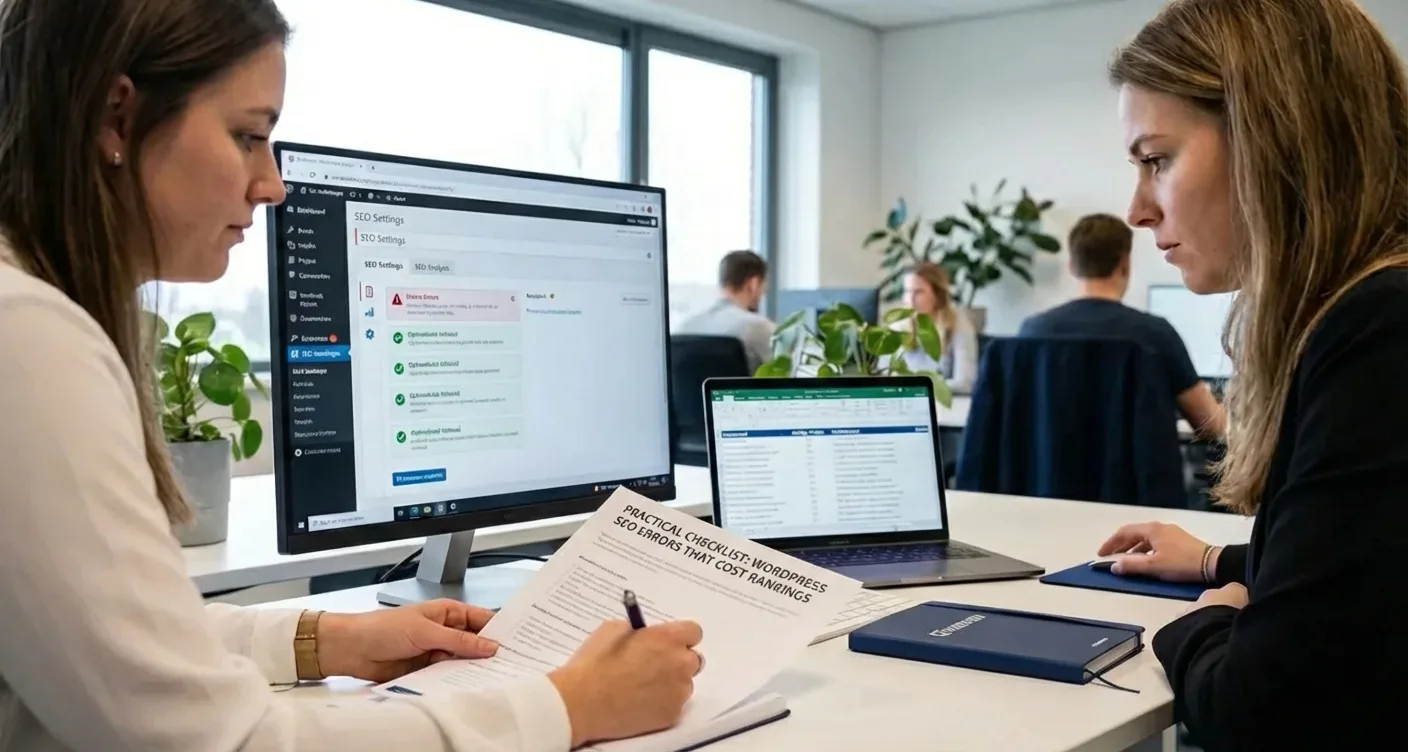
"Content is king, but the technical optimization of that content is the crown that determines whether the king is seen in search results."
Structuring your information helps both Google and your visitors quickly grasp the essence of your article. Therefore, always use a logical structure with relevant lists:
- Optimize images with alt text that addresses WordPress SEO mistakes that hurt rankings.
- Remove unnecessary plugins that cause conflicts in your website's source code.
- Use internal links to relevant categories to distribute authority across your pages.
- Check if your WordPress SEO mistakes that cost rankings checklist is up-to-date with the latest algorithm requirements.
Remember that a clean installation often performs better than a site full of unused features. For more in-depth information on technical standards, consult the Google Search Central guide. By critically examining your WordPress SEO optimization process, you lay a strong foundation for long-term success in organic search results.
Consistency in your publication schedule and regularly updating old content are crucial for maintaining positions.
Improving Speed and Mobile-Friendliness
Website load time is now one of the most critical factors for success in search engines. When a page responds slowly, visitors immediately abandon it, leading to a higher bounce rate and lower conversions. Neglecting technical optimization is among the most common WordPress SEO mistakes that cost rankings (practical checklist). Google uses Core Web Vitals as a benchmark for user experience, with factors like Largest Contentful Paint and Cumulative Layout Shift determining the final position in search results. Without a fast infrastructure, all other SEO efforts unfortunately remain largely unfruitful. Furthermore, a slow website means search engines crawl your pages less frequently, directly impacting your online visibility and authority.
Mobile Optimization and Core Web Vitals
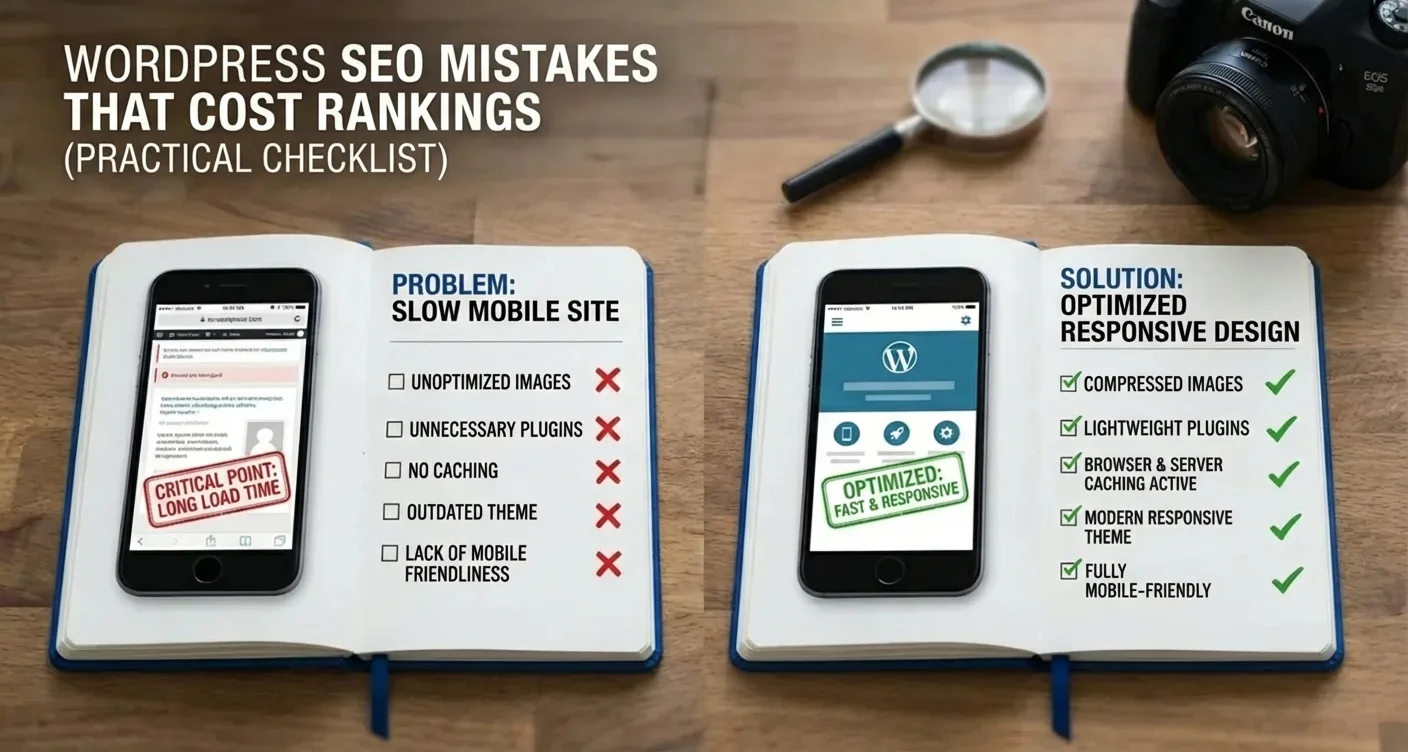
Since the majority of internet traffic comes from smartphones, a mobile-friendly design is essential. Many administrators make the mistake of only checking the desktop version, which is one of the crucial aspects often overlooked. A responsive theme that automatically adapts to different screen sizes forms the foundation. Pay specific attention to the clickability of buttons and the readability of text on small screens. Optimizing for mobile devices requires constant monitoring via Google Search Console to promptly identify and resolve technical deficiencies.
"Speed is not just a luxury, but a fundamental requirement for healthy organic growth within the current digital landscape."
To maximize performance, you can take the following steps:
- Use a reliable caching plugin to serve static files faster.
- Optimize images by compressing them and using modern formats like WebP.
- Minimize JavaScript and CSS files to reduce browser load.
- Choose a quality hosting provider specializing in WordPress environments.
Systematically addressing these points prevents long-term technical problems. For a deeper dive into performance, you can consult the official PageSpeed Insights documentation. By prioritizing speed and mobile usability, you lay a strong foundation for a strategy that truly delivers results. A fast site significantly improves the user experience and strengthens your market position.
Avoiding WordPress SEO mistakes that kill your rankings (practical checklist) is crucial for online success.
By addressing technical shortcomings and optimizing your content structure, you lay a strong foundation. A fast website and correct metadata directly ensure a better user experience and higher positions in Google's search results.
Now that you know which pitfalls to avoid, it's time to take action and permanently eliminate these WordPress SEO mistakes that hurt your rankings from your system. Carefully review each point, improve your internal linking structure, and ensure search engines can effortlessly index your pages. Don't wait any longer; start optimizing your website today to see your organic traffic grow consistently and stay ahead of your competition for good.
Frequently Asked Questions
What are the most common WordPress SEO mistakes that cost rankings?
Common mistakes include blocking search engines via settings, slow page load times, and ignoring permalinks. These WordPress SEO mistakes that hurt rankings can easily be prevented by establishing a solid technical foundation and using the right plugins.
How can I check if my website has SEO errors?
You can perform an audit with tools like Google Search Console or a specialized SEO plugin such as Yoast or Rank Math. Regularly reviewing this WordPress SEO mistakes that cost rankings (practical checklist) ensures your site remains technically optimized for search engines.
Why is page load speed crucial for my WordPress rankings?
Search engines prefer fast websites because they offer a better user experience to visitors. A slow site leads to a higher bounce rate, which directly negatively impacts your position in search results.
When should I check my SEO settings in WordPress?
It's wise to check your settings immediately after launch and after any major updates to your theme or plugins. Regular checks help detect unintended changes that could harm your organic visibility.
How SEO Supercharged helps you here
SEO Supercharged is fully online (service area: worldwide, online), so you can use it from anywhere.
The platform is built for Small to medium-sized business owners managing their own WordPress website, Freelance web designers aiming to deliver SEO-optimized sites, Beginner bloggers looking to grow organic traffic, E-commerce entrepreneurs with a WooCommerce webshop, Content marketers responsible for company blogs, Junior SEO specialists seeking a practical checklist, Marketing managers at small to medium-sized companies, Affiliate marketers relying on search engine traffic, Independent coaches and consultants who want to be found online.
You can use it for, among other things, WordPress SEO Audit, Ranking Recovery Plan, Technical SEO Cleanup, Yoast & RankMath Optimization, Core Web Vitals Check, SEO Content Scan, Link Structure Analysis.
Want to tackle this directly? Check your WordPress SEO with the Page Audit, or start a free SEO analysis.
Related articles
- WordPress SEO Optimization: The Complete Guide for Higher Google Rankings
Learn WordPress SEO optimization from A to Z. Master meta titles, descriptions, indexing, schema markup, and internal linking for higher Google rankings.
- How to Optimize Your WordPress Meta Title and Meta Description
Learn how to write and set WordPress meta titles and descriptions for higher rankings and more clicks. Step-by-step guide and best practices included.
- Schema Markup in WordPress: Optimize for Rich Results and Better Google Visibility
Learn how to easily add Schema Markup in WordPress. Implement JSON-LD, optimize FAQ schemas, and boost organic visibility with search engine rich results.
- How to Set Up Canonical Tags in WordPress: Avoid Duplicate Content
Learn how to correctly set up canonical tags in WordPress. Prevent duplicate content, fix indexing issues, and boost your SEO with this guide!
- How to Set Up a WordPress XML Sitemap (Step-by-Step Guide)
Want to set up your WordPress XML sitemap correctly? Learn step-by-step how to configure, submit to Google Search Console, and boost your SEO indexing.